
How to Create a Better Virtual Office Member Experience
November 16, 2026
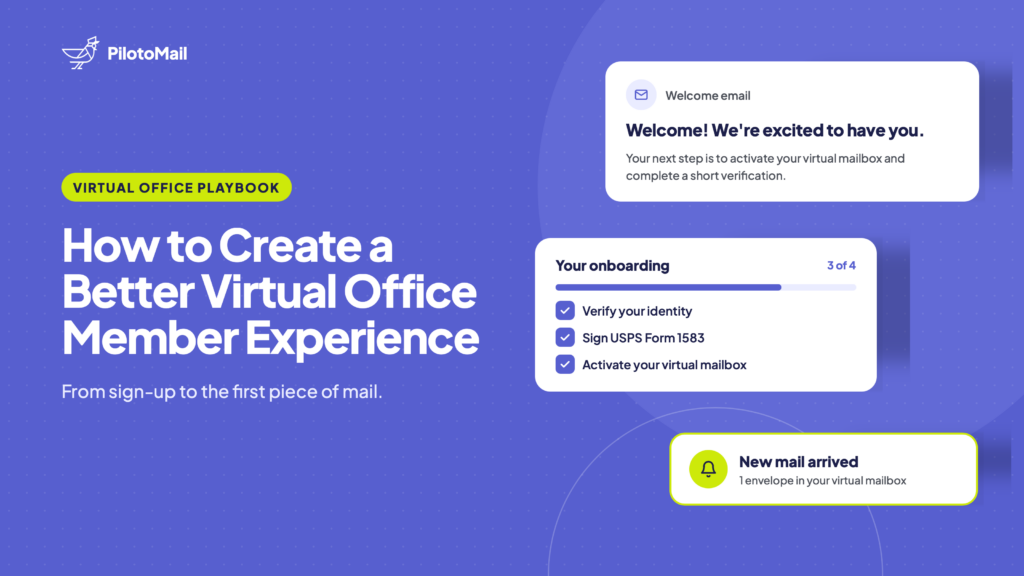
A new member signs up for your Virtual Office, gets their business address, and is excited to start using it. Then comes the welcome email. Identity verification. USPS Form 1583. A new platform they haven’t used before. Suddenly, something that seemed pretty straightforward feels a little more complicated.
For Virtual Office operators, these are everyday steps. But for someone signing up for a virtual mailbox for the first time, it’s all new. And when members aren’t sure what to do next, those questions usually end up with your team.
Creating a great Virtual Office member experience doesn’t have to be complicated. Often, it’s the little things that make the biggest difference.
Here’s how to make the journey from sign-up to the first piece of mail easier for everyone.
1. Make Sure Members Know What They're Signing Up For
A good member experience starts before someone even purchases a plan.
Think about the questions you hear most often. Does my plan include mail forwarding? Can I pick up packages? How much does scanning cost? When can I start using my new business address?
If your team answers these questions regularly, chances are your website or sign-up process could be a little clearer.
Make it easy for potential members to understand what’s included in their Virtual Office or virtual mailbox plan, which services cost extra, and what happens after they sign up. A little clarity upfront can save your team a surprising amount of back-and-forth later.
2. Make the Welcome Email Actually Helpful
Your welcome email is one of the first interactions a new member has with your service. It’s worth making a good impression. Rather than simply sending a login link, take a moment to explain what’s next.
How do they activate their account? What information will they need? Who can they contact if they have questions?
And if you use a separate virtual mailbox management platform, make sure they know why they’re receiving an invitation from it.
Something as simple as this can help:
Welcome to [Business Name]! We’re excited to have you.
Here’s how to get started:
- Activate your mailbox: Look for an invitation from [Platform Name], our mail management platform. Click Accept Invitation to create your account.
- Complete verification: Fill out USPS Form 1583 and submit your required identification documents.
- Manage your mail: Once verified, you’ll receive mail notifications and can request scanning, forwarding, or pickup through your online portal.
Can’t find your invitation or need help? Simply reply to this email, and our team will assist you!
You could also include a short getting-started guide or checklist. The goal is to make members feel guided and not overwhelmed with instructions.
3. Take Some of the Confusion Out of Compliance
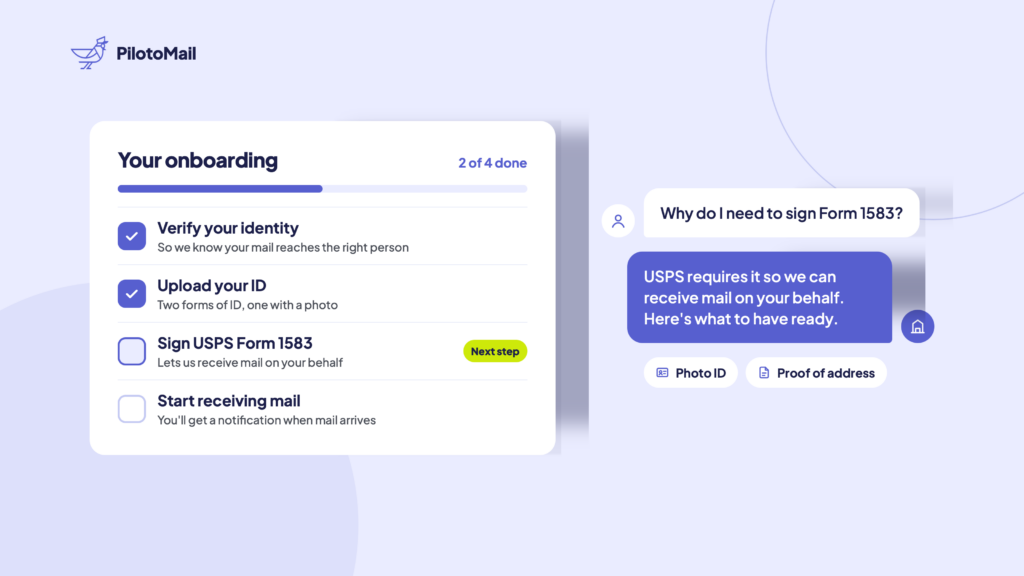
If you’ve ever helped a new member through USPS Form 1583, you know how many questions can come up.
Why do I need to verify my identity? What documents should I upload? Why do I need to authorize someone to receive my mail?
For U.S. Commercial Mail Receiving Agencies (CMRAs), these compliance requirements are an important part of operating a virtual mailbox service. But that doesn’t mean the process has to feel intimidating. Instead of presenting members with a long list of requirements, walk them through the steps in plain language.
Explain what they need to provide, why it’s necessary, and what happens after they submit their information. A simple onboarding checklist can help members see where they are in the process and what’s left to complete.
With PilotoMail’s Compliance Hub, operators can manage verification and Form 1583 onboarding in one place, helping reduce paperwork and keep track of members’ progress.
4. Don't Assume Members Know How Their Virtual Mailbox Works
Once a member finishes onboarding, it’s tempting to consider the job done. But think about it from their perspective. They have a new business address and access to a virtual mailbox. Now what Start with the basics.
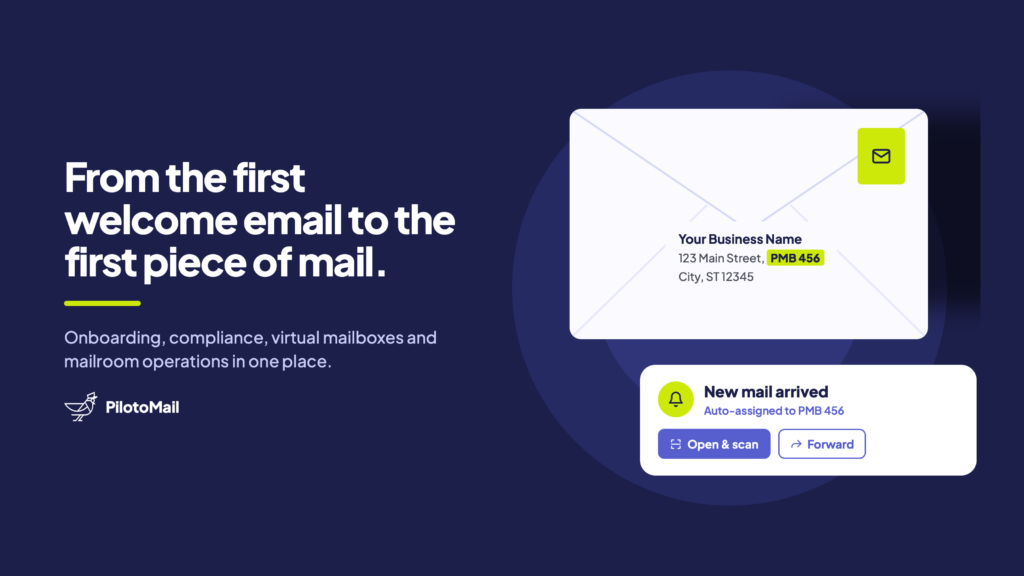
Show members their complete mailing address, including their assigned Private Mailbox (PMB) number, and explain how to format it correctly. Then show them what happens when mail arrives.
Where will they see it? How will they know something has been delivered? Can they request an envelope to be opened and scanned, or have mail forwarded to another address?
These things may seem obvious when you work with mailboxes every day, but they’re not necessarily obvious to a new member. Even a quick walkthrough or short video can make people feel much more comfortable using the service.
5. Make the First Mail Notification Count
There’s something satisfying about receiving that first mail notification. For a new member, it’s the moment their Virtual Office service really starts to feel useful. Their mail has arrived; they can see it in their virtual mailbox, and they know what to do next.
Of course, making that experience feel effortless takes work behind the scenes. Your team needs to receive the mail, identify the right mailbox, record it correctly, and notify the member.
The PilotoMail Mailroom App and Auto-Assign help simplify that process. Teams can process mail directly from their phones, while Auto-Assign automatically assigns items when it can confidently identify the correct mailbox. Anything that needs a closer look stays Unassigned for the team to review.
For members, that means a more dependable experience. For operators, it’s less time spent on repetitive tasks and more time to focus on the people using the service.
6. Pay Attention to What Happens After Onboarding
A smooth first delivery is a great start. But the member experience doesn’t end there. During the first few weeks, pay attention to how members interact with your service.
Are they completing onboarding without needing multiple reminders? Do they understand how to request mail services? Does your team keep hearing the same questions?
It’s worth checking how long it takes members to complete verification, activate their virtual mailbox, and receive their first mail notification.
You might discover that one email needs clearer instructions, a step in your onboarding process is confusing, or members simply need a reminder about the services available to them.
Not every improvement requires a big operational change. Sometimes, a small adjustment makes everyone’s day a little easier.
A Better Virtual Office Experience Starts With the Little Things
A professional business address might be what brings someone to your Virtual Office in the first place. But the experience that follows is what helps build their trust.
From the first welcome email to that first piece of mail, members want to feel confident that they’ve made the right choice.
And for operators, creating that experience doesn’t have to mean adding more work.
PilotoMail brings Virtual Office onboarding, compliance, virtual mailbox management, and mailroom operations together, helping your team spend less time on repetitive tasks while keeping members informed.
Want to make Virtual Office management easier for your team and your members?
Book a demo and see how PilotoMail can help.